**App | What to Do If You Don’t Receive the Activation Email (Password Reset)**
With the app renewal on April 1, 2026, we have sent existing members an email regarding “password reset (= account activation)”.
However, we have received many inquiries stating that “the email has not been received.”
In this article, we will explain the possible causes and solutions.
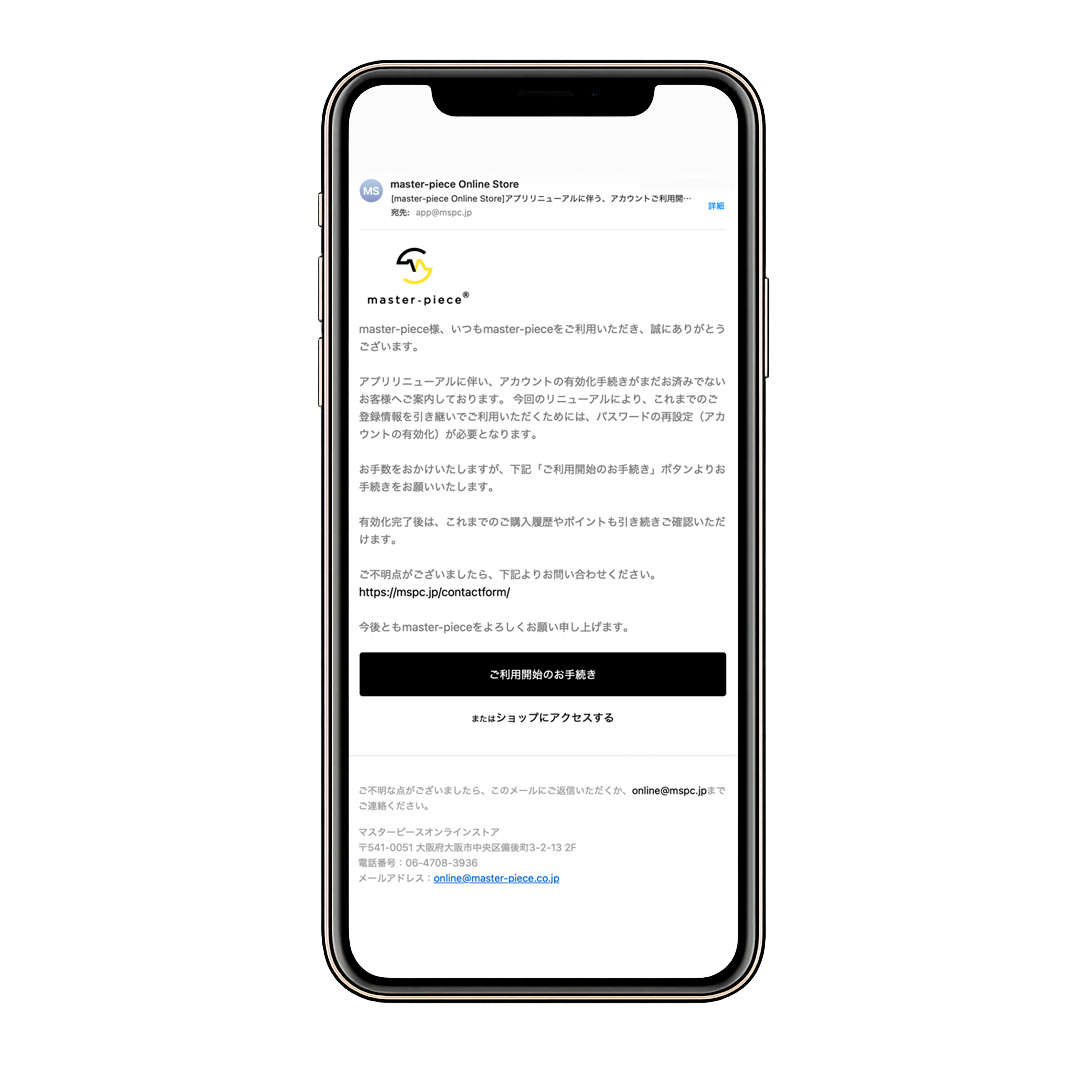
What is Activation (Password Reset)?
Due to this renewal, all members are required to reset their password (activate their account).
If you have not completed this process, please reset your password via the “Start Using Your Account” link in the email shown above.
Please note that until this process is completed, you will not be able to log in or use the password reset function.
Common Reasons for Not Receiving the Email
The following are common causes:
・The email was overlooked
・It was sorted into the spam/junk folder
・Email filtering settings prevented delivery
・The registered email address is incorrect
・Multiple email addresses were used for registration
Note on Password Reset Notification
With the current account system (legacy customer accounts that require password setup),
due to system specifications, a message stating “Email sent” will be displayed regardless of whether the email was actually delivered or not.
This is a security measure designed to prevent third parties from determining whether an email address is registered.
Therefore, even if the message indicates that the email has been sent, no error will be displayed if the email is not received.
Solution
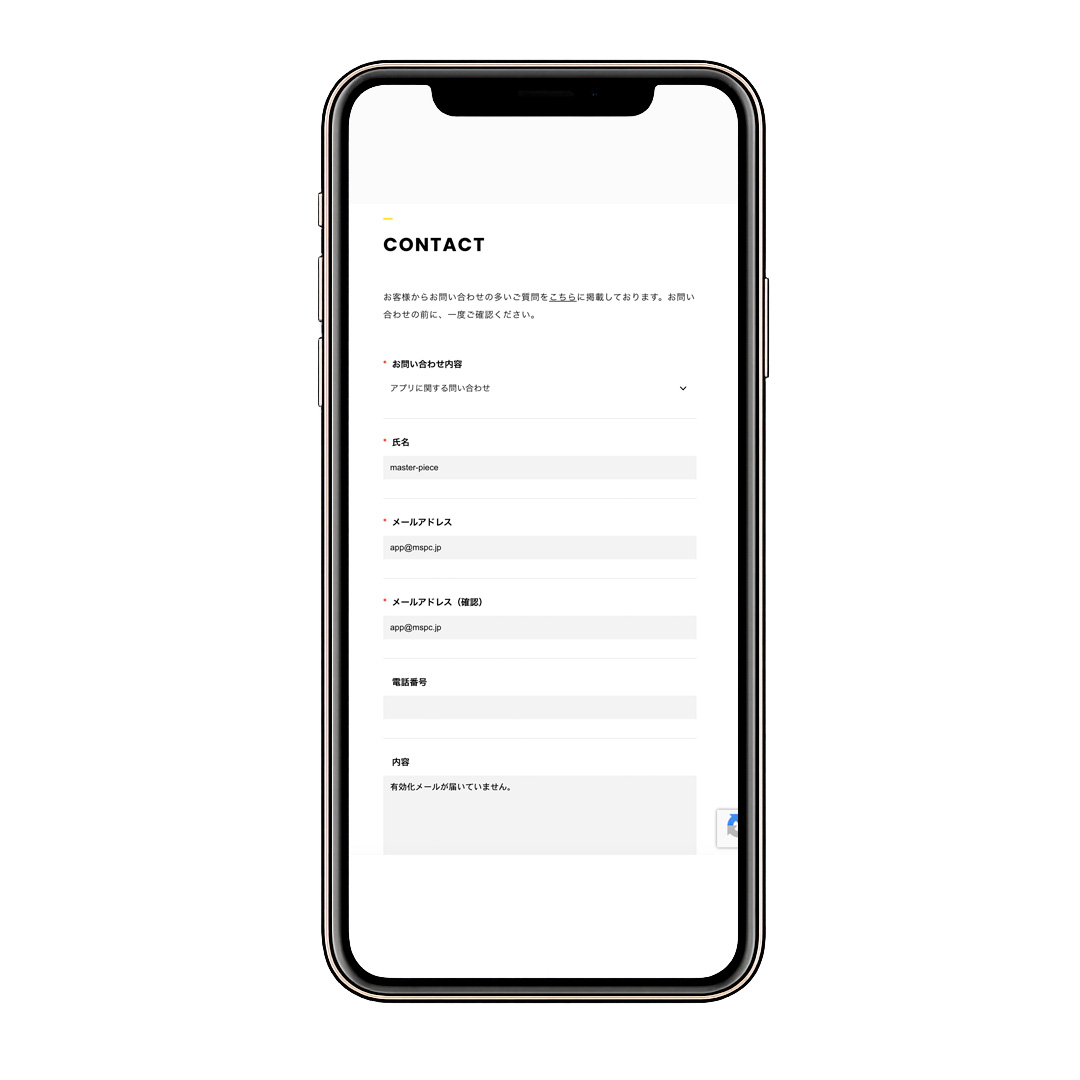
If you still cannot find the email after checking the above, please contact us via the
CONTACT page.
When contacting us, please include the following in your message:
“I have not received the activation email.”
This will help us assist you more smoothly.
Please note that this issue is due to current system specifications, and improvements are planned.
We apologize for any inconvenience and appreciate your understanding.